
Download Poe – chatbot, AI assistant, virtual companion, natural language processing, machine learning, AI tool, next-gen bot
Overview
Poe, developed by Quora, is a free mobile application designed to facilitate natural, human-like conversations with artificial intelligence. Positioned as a platform for open exploration, the app enables users to engage with multiple AI agents, each built on distinct machine learning models and tailored to different conversational styles or purposes. This approach allows for varied responses based on the underlying data each agent is trained on, enhancing the depth and diversity of interactions.
The app serves as both a productivity tool and a digital companion, ideal for users seeking quick answers, creative inspiration, or casual conversation. It is particularly suited for individuals interested in exploring the capabilities of modern AI, including students, writers, and tech enthusiasts. The minimalist interface, reminiscent of a messaging app, supports seamless interaction without distractions.
Real-world use cases include brainstorming ideas, answering general knowledge questions, practicing dialogue in different tones, or simply engaging in entertaining conversations. While the app does not provide detailed technical specifications, its integration of natural language processing ensures responses that feel contextually aware and coherent. In the broader app ecosystem, Poe stands out by offering access to multiple AI personas within a single interface, reducing the need to switch between different chatbot platforms.
The developer did not provide additional technical details.
Key Features & Functionality
- Multiple AI Agents – Users can interact with various AI personas, each trained on different datasets and designed for specific roles such as creative writing, technical explanation, or casual conversation.
- Natural Language Processing (NLP) – The app leverages advanced NLP to interpret user input and generate contextually relevant, human-like responses.
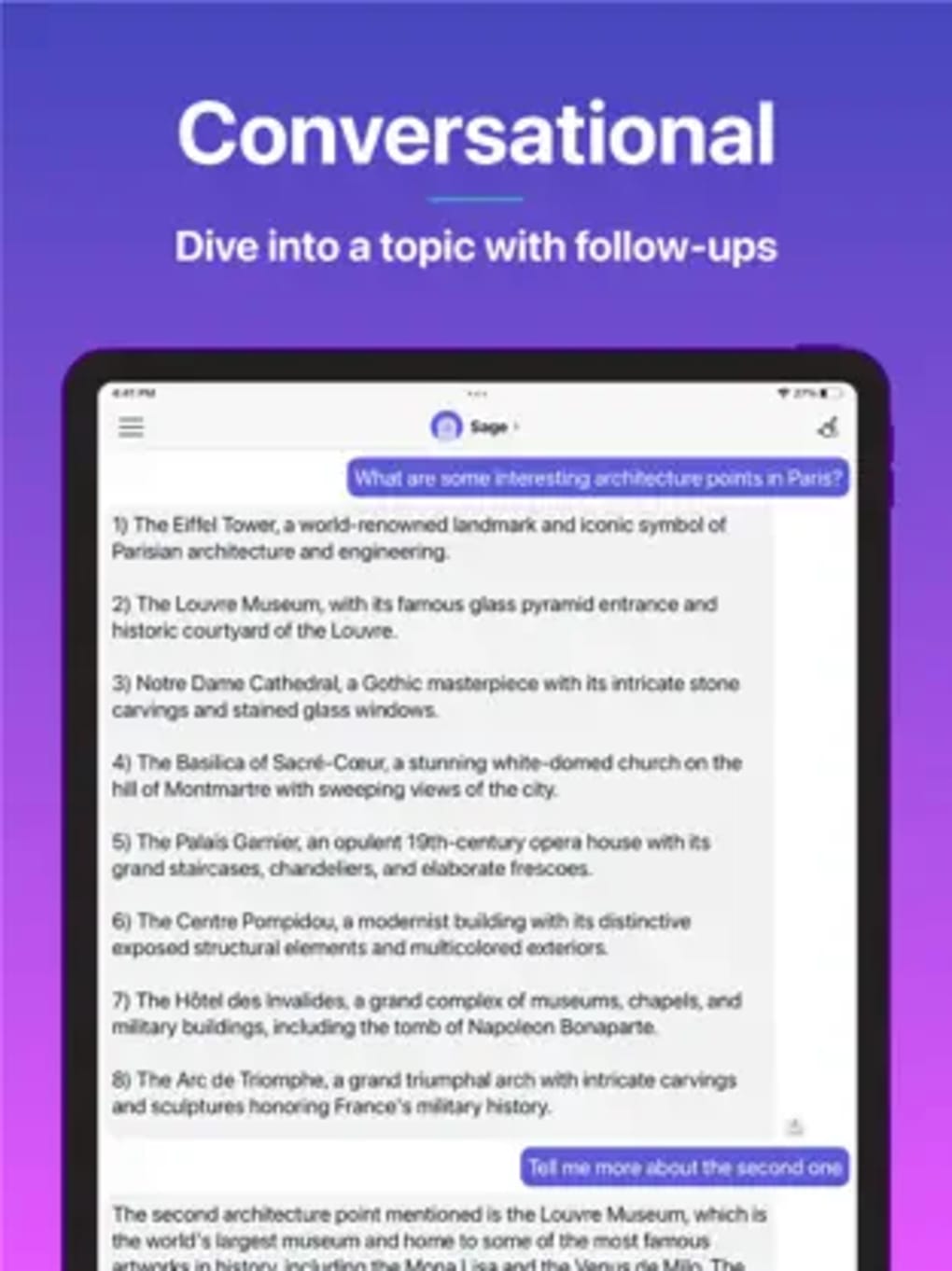
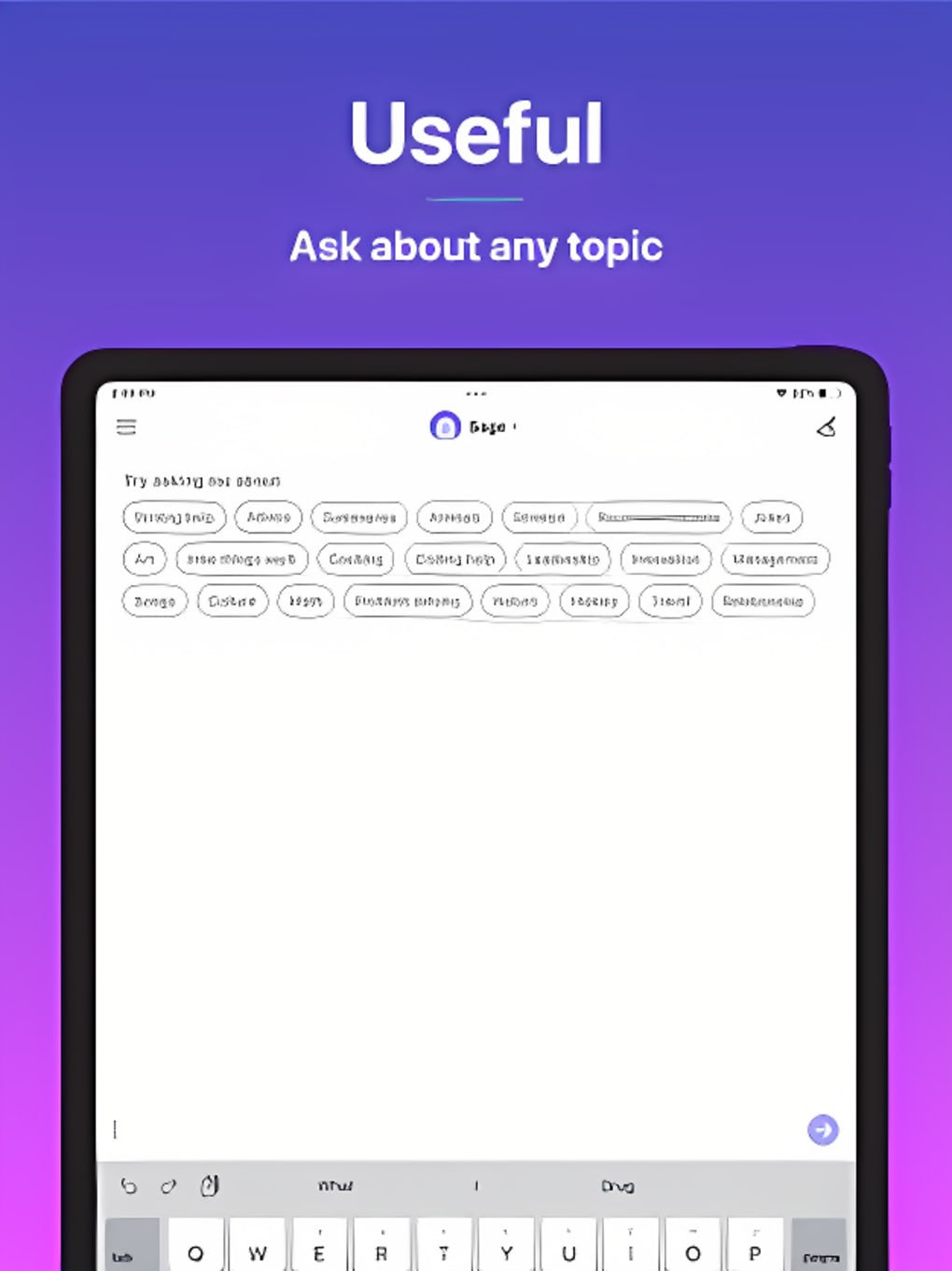
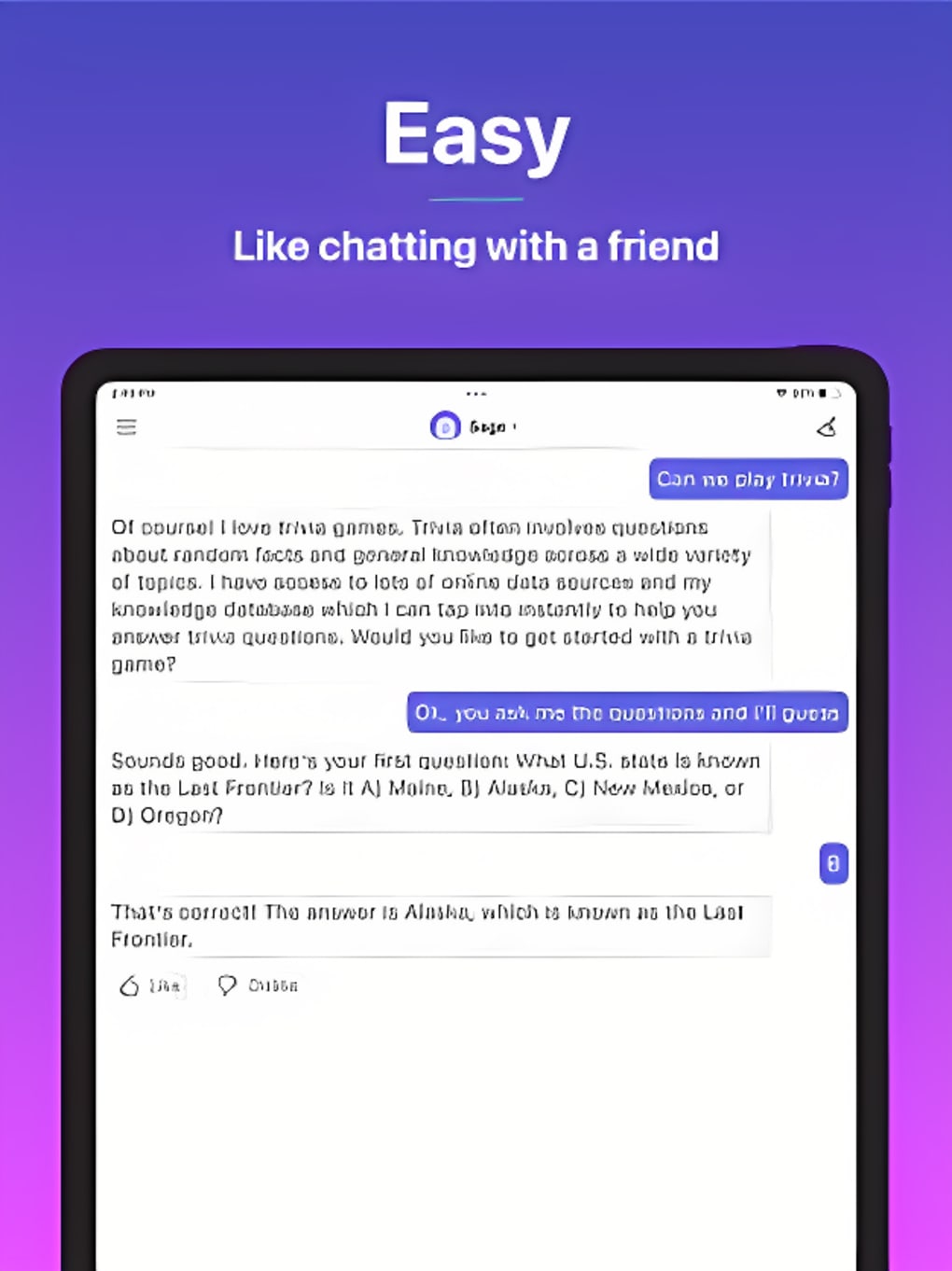
- Minimalist Messaging Interface – The full-screen chat layout mimics popular messaging apps, promoting ease of use and focus on conversation flow.
- Fast Response Times – With optimized backend processing, the app delivers replies quickly, especially under stable internet conditions.
- Free Access to Core Features – The app is available at no cost, allowing users to explore AI interactions without financial commitment.
Each AI agent operates independently, offering unique strengths based on its training model. For example, one agent may excel in generating poetic text, while another focuses on factual accuracy. This diversity allows users to select the most appropriate assistant for their task.
In practice, users can use Poe to draft emails, explore philosophical questions, or generate story ideas. The app is particularly effective for brainstorming sessions or language learning exercises. While the app responds quickly in most cases, performance may vary depending on network stability and server load.
The developer did not specify minimum OS requirements or other technical constraints.
Interface, UX & Performance
The app features a clean, minimalist interface with a color scheme dominated by black, white, and blue, creating a visually calming and distraction-free environment. The layout closely resembles a standard messaging app, with messages displayed in a scrollable timeline, ensuring intuitive navigation for users familiar with platforms like WhatsApp or Messenger. Interaction is straightforward: users type a message, and responses appear in real time.
The app’s responsiveness is consistent with modern mobile standards, delivering prompt replies when internet connectivity is stable. Although the developer did not list formal performance metrics, the overall experience suggests efficient handling of text-based interactions. Users can expect smooth scrolling and minimal lag during typical usage.
The app’s stability appears reliable across general device categories, though specific compatibility details were not disclosed. The interface remains functional and consistent across different screen sizes. No notable crashes or freezes were reported in the available information.
The app’s lightweight design, with a file size of 15.5 MB, contributes to efficient performance on devices with limited storage.
Platform Compatibility & Technical Requirements
Poe is available on both Android and iOS platforms, offering broad accessibility across major smartphone ecosystems. The app’s current version is not specified in the provided data, nor are the minimum operating system requirements. The file size is listed as 15.5 MB, indicating a lightweight installation that should not significantly impact device storage.
The developer did not specify the minimum OS version or hardware requirements. Compatibility information was not fully disclosed, so users should ensure their devices meet standard modern smartphone specifications. The app is free to download and use, with no upfront cost.
Updates are likely to be released periodically to improve functionality, enhance AI models, or address bugs. The release date of the app is 2023-08-15, placing it within the recent wave of AI-powered mobile tools.
Pros and Cons
Pros
- Free to download and use, with access to multiple AI agents
- Minimalist, intuitive interface that feels familiar to most smartphone users
- Fast response times under stable network conditions
- Supports diverse conversational styles through different AI personas
- Lightweight file size (15.5 MB) suitable for most devices
Cons
- Specific technical requirements were not listed
- Performance may vary based on internet connection quality
- Some niche or highly specific queries may not be answered accurately
- Advanced features may require a subscription, limiting full functionality
- Compatibility with older devices or OS versions was not confirmed
FAQ
Is Poe safe to use?
The app is developed by Quora, a reputable online platform, and does not require sensitive permissions. However, users should avoid sharing personal or confidential information during conversations.
Can I use Poe offline?
No, Poe requires a constant internet connection to process queries and generate responses, as it relies on cloud-based AI models.
Are there ads in Poe?
The developer did not disclose information about advertisements. However, the app is free to use, suggesting that monetization may come through premium features rather than ads.
Does Poe support multiple languages?
The provided information does not specify language support. Responses are likely generated in the language of the user's input, but full multilingual capabilities were not confirmed.
How often is Poe updated?
Regular updates are expected to improve AI performance and fix bugs, but the frequency of releases was not disclosed by the developer.
Final Thoughts
Poe offers a compelling entry point into the world of AI-driven conversation, combining accessibility, speed, and variety in a sleek, user-friendly package. Its ability to host multiple AI agents within a single interface sets it apart from basic chatbots, making it a versatile tool for casual discussion, idea generation, and quick knowledge retrieval. While it may not replace specialized tools for deep research or technical tasks, it excels in everyday interactions and creative exploration.
The app is best suited for users who value simplicity, fast responses, and the novelty of speaking with different AI personalities. With its lightweight design and free access, Poe delivers strong value for those curious about modern AI. Despite some limitations in niche queries and the absence of detailed technical data, the overall experience remains polished and engaging.
Download Poe now.







